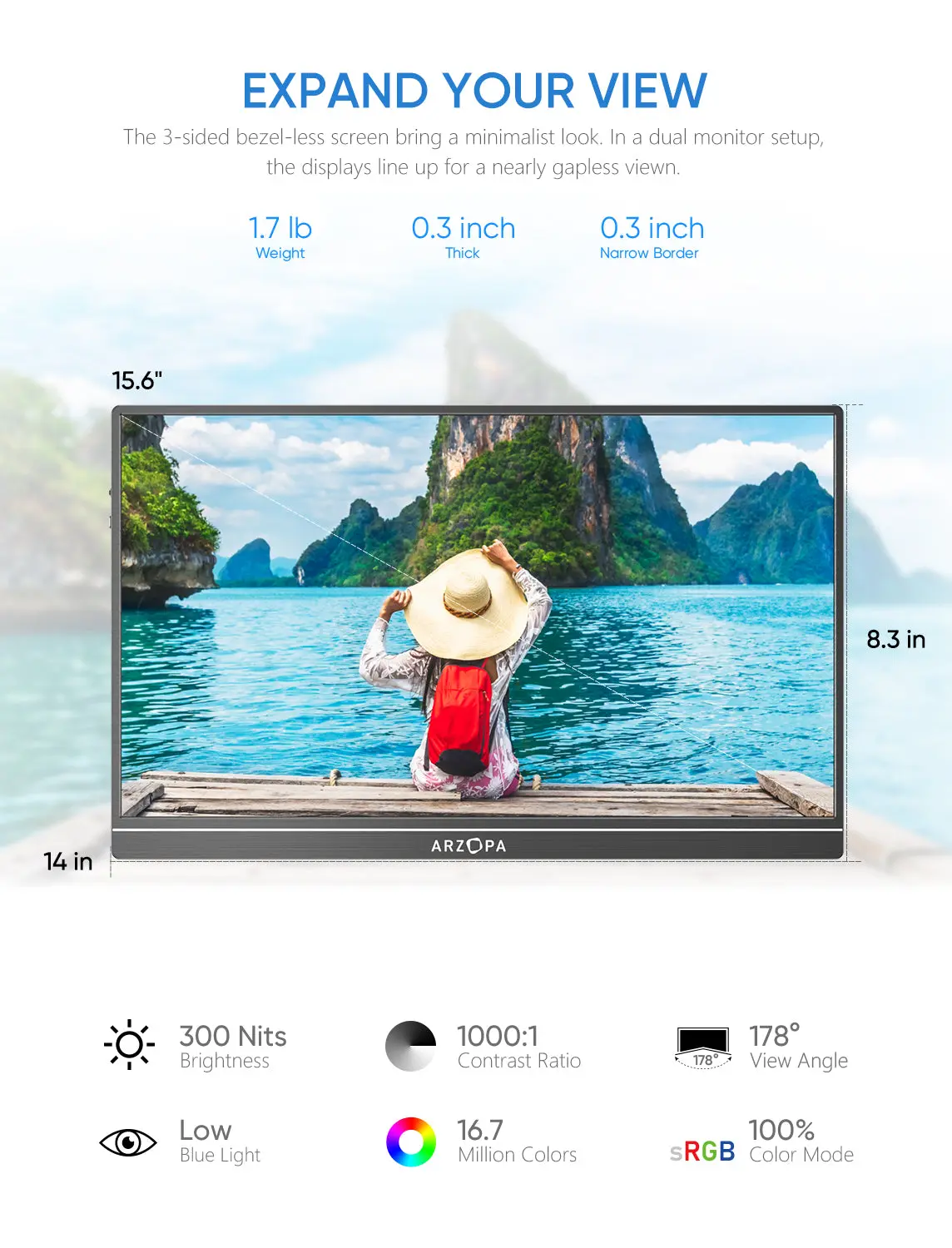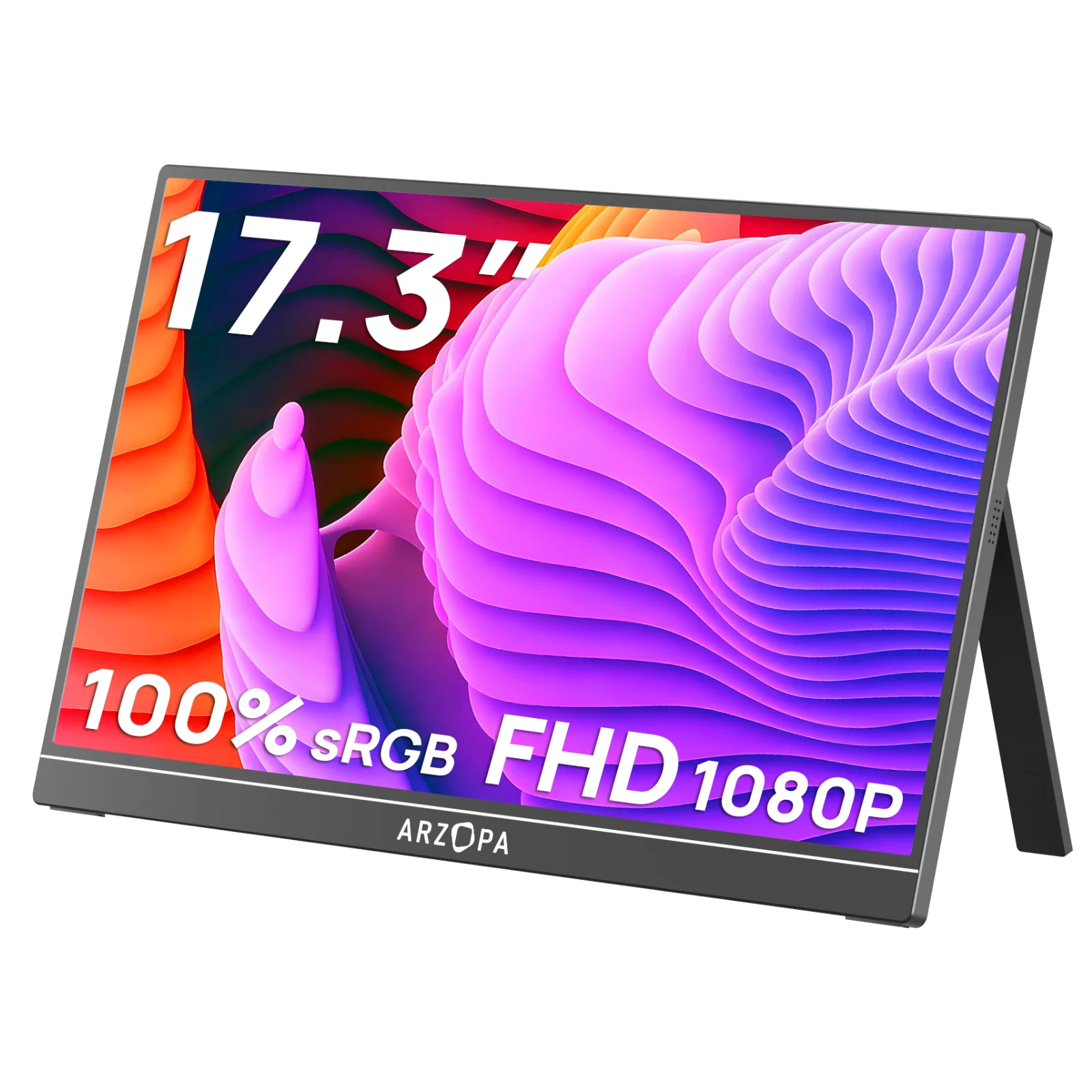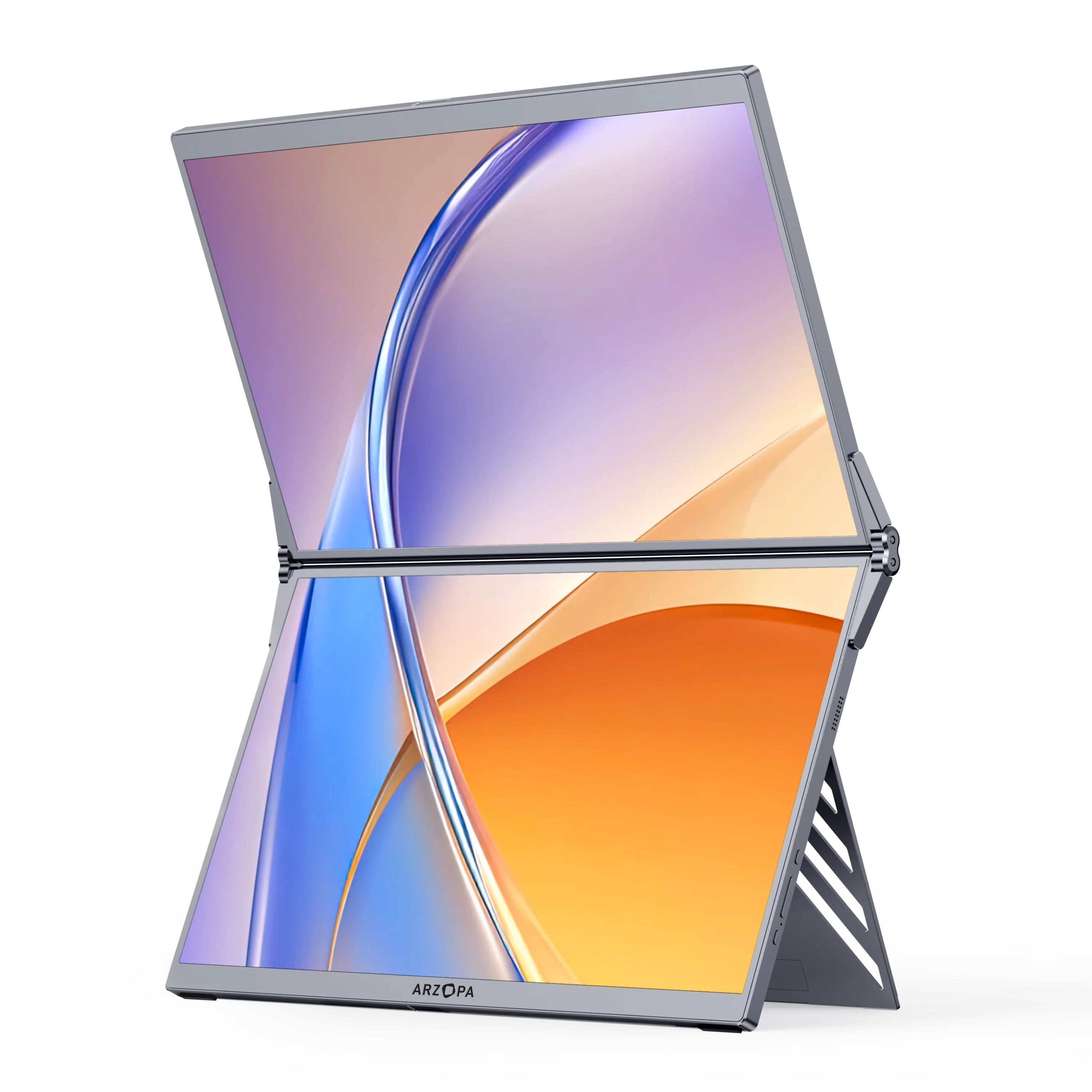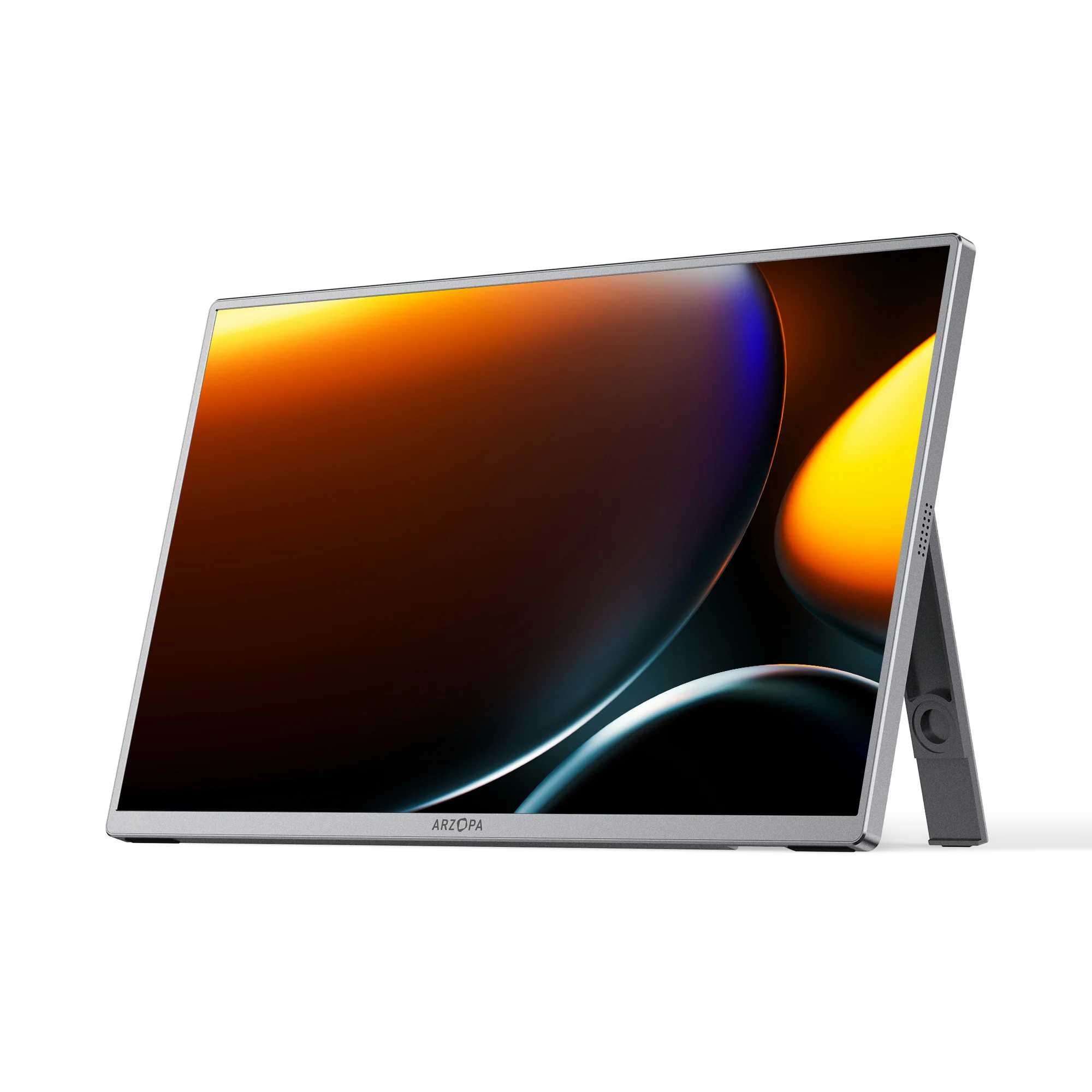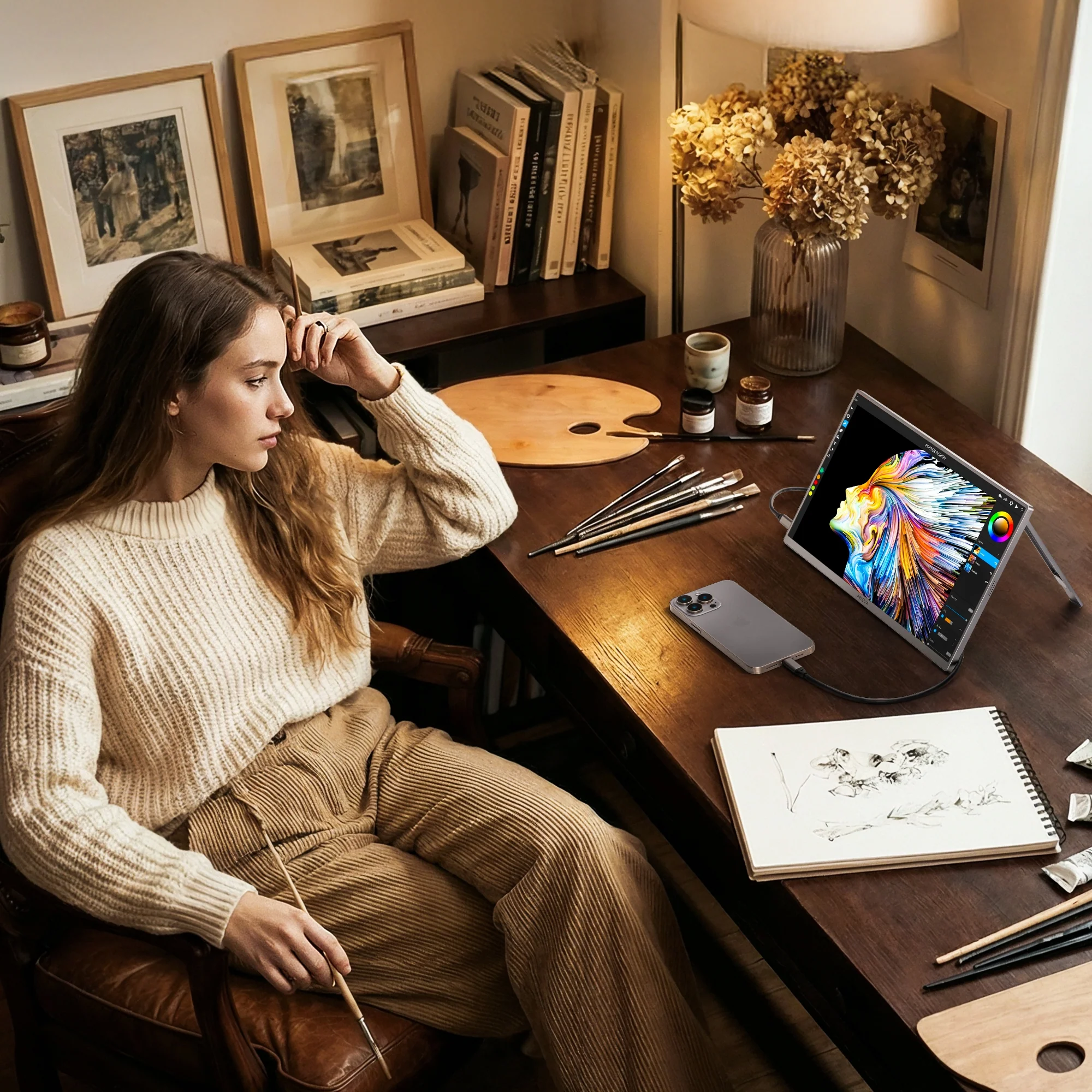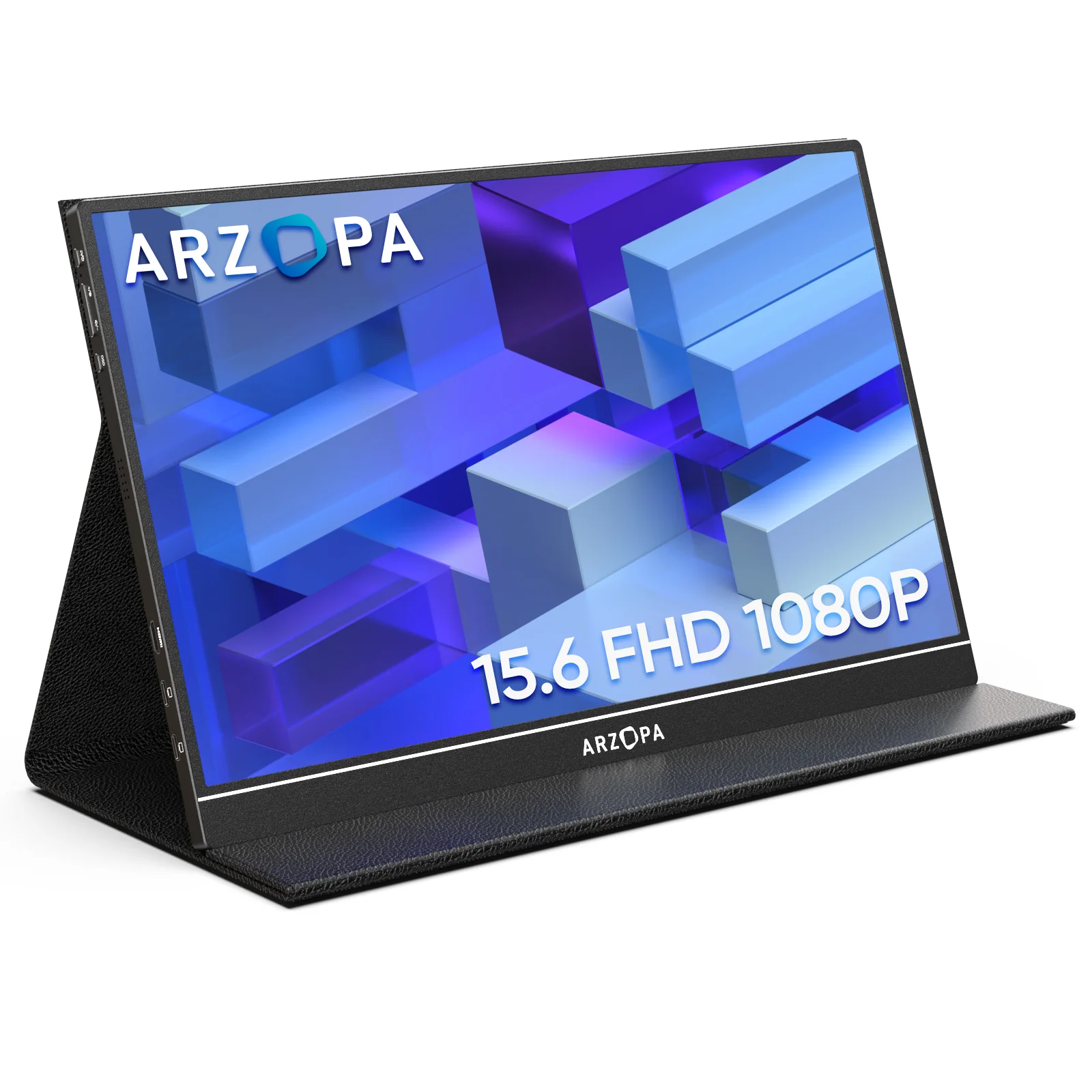
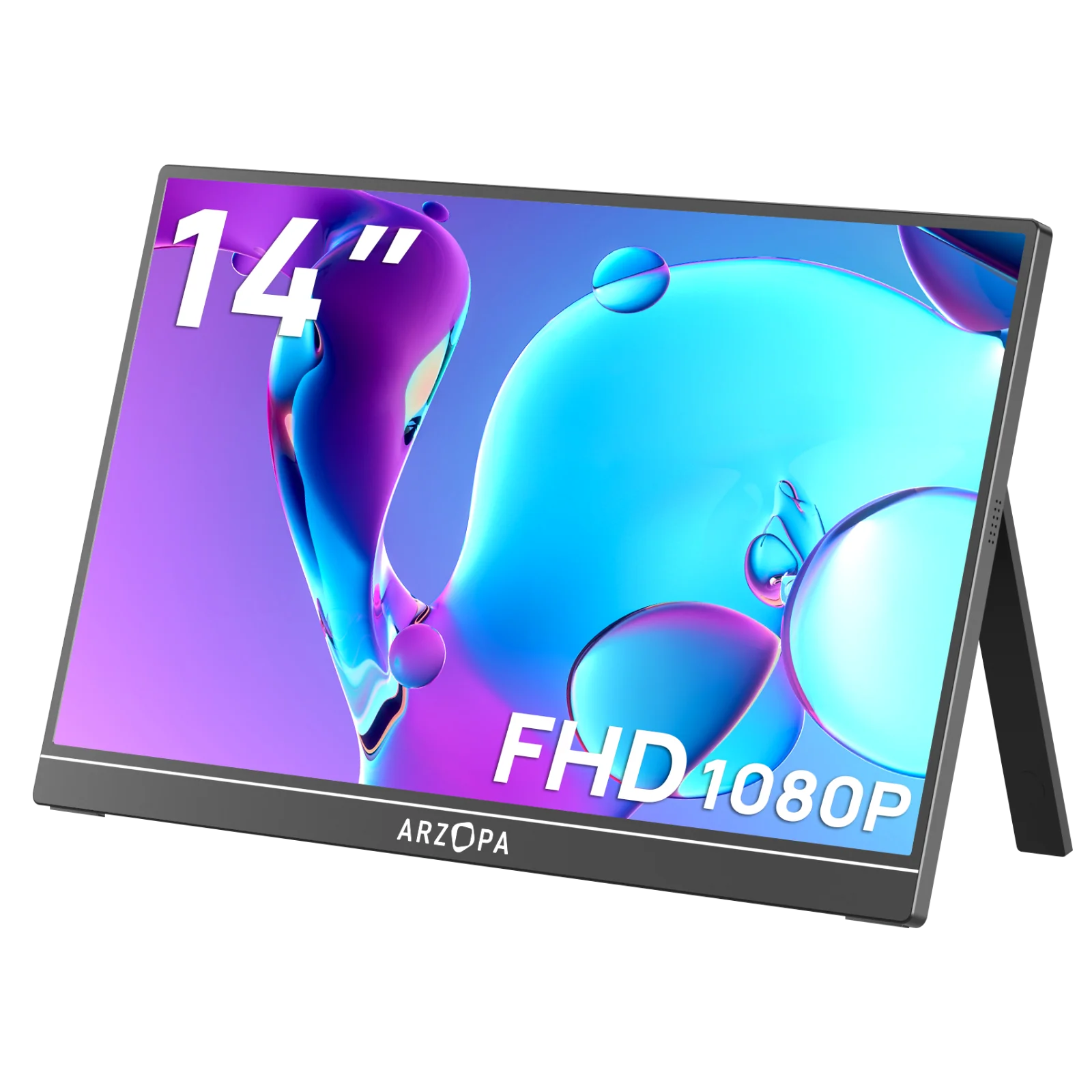
Arzopa S1 Table Portable Laptop Monitor | 15.6'' FHD 1080P
HomeStore

Arzopa S1 Table Portable Laptop Monitor | 15.6'' FHD 1080P

Arzopa S1 Table Portable Laptop Monitor | 15.6'' FHD 1080P

$20.70

Original: $68.99

-70%
Arzopa S1 Table Portable Laptop Monitor | 15.6'' FHD 1080P

$68.99

$20.70

The Story

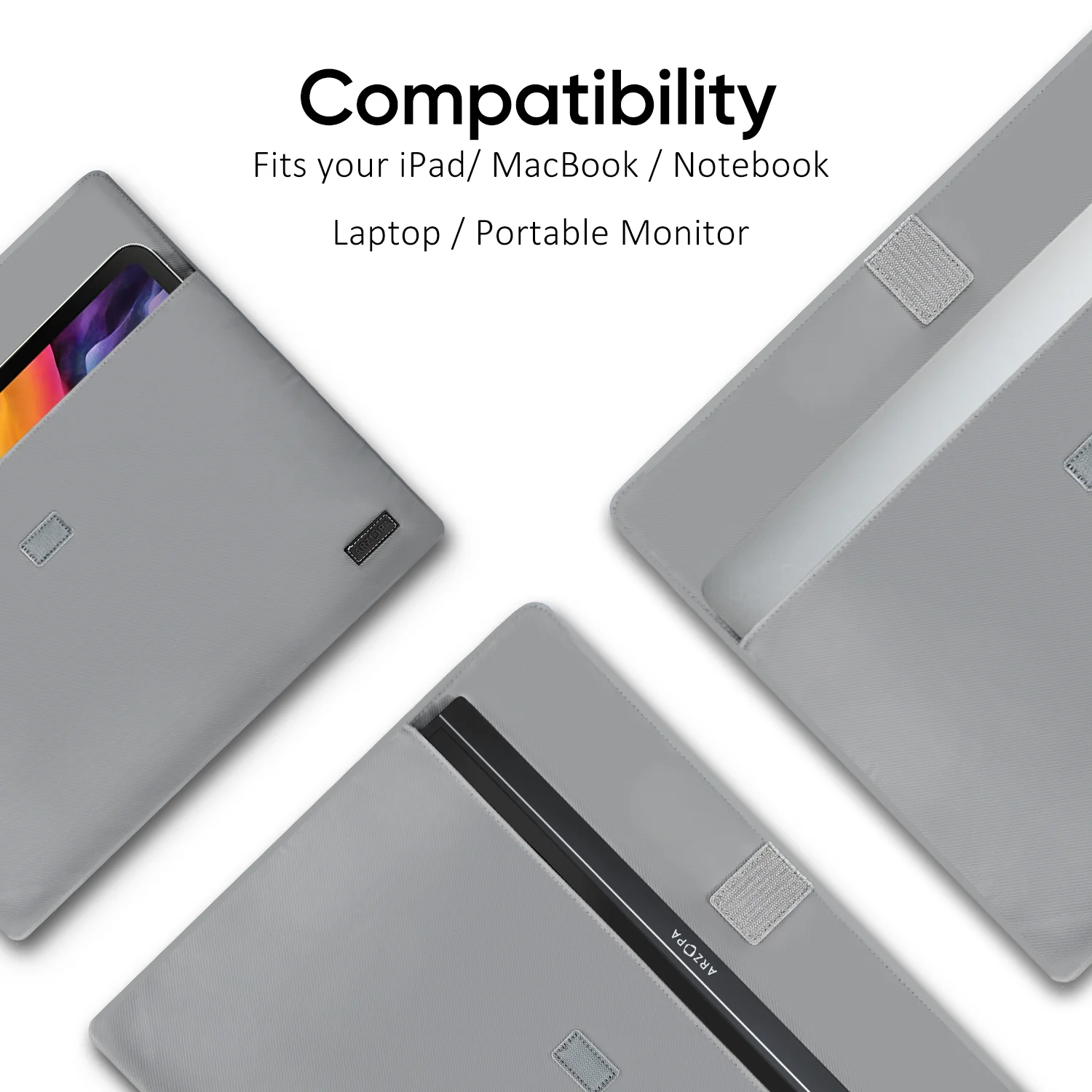
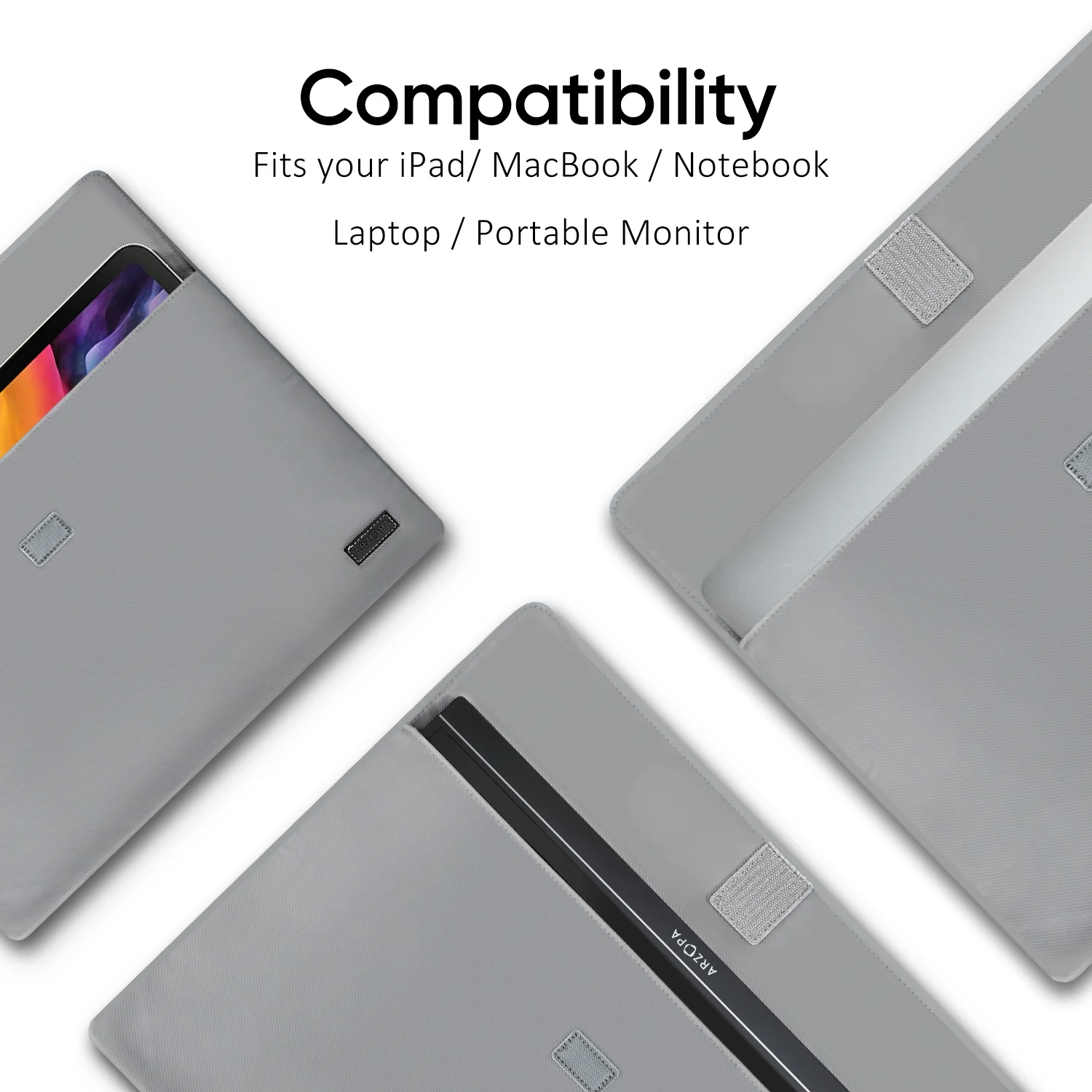
Compatible Laptop Models

  • Apple: MacBook 12 /2015 /2016 /2017 Pro MackBook Air 2018 / iPad Pro 2018-2020
  • HUAWEI: MateBook D / MateBook E / MateBook X / MateBook X Pro / MateBook 13 /MagicBook
  • Microsoft: SurfaceGo / Surface Book 2
  • ASUS: ZenBook 3 / ZenBook 3 Pro / ZenBook X / U4100 / U4100UN / AU5100UQ
  • MI: Mi Air 12.5 / Air 13.3 / Pro 15.6 / Pro 15.6 GTX
  • Lenovo: Y7000 / Y7000P / Y900K / YOGA / ThinkPad X1 / Carbon / MIIX 720 /Youga
  • HP: Elitebook 1050 G1 /Elitebook Folio G1 /ENVY13 / Spectre13
  • DELL: G3 / G5 / G7 / Inspiron 5000 / Inspiron 7000 / XPS13 / XPS15 / Latitude 5285
  • Google: Pixelbook Pen,Chromebook Pixels
  • Razer: Blade Stealth / Blade Pro
  • Nvidia: Geforce RTX 2070 / Geforce RTX 2080 / Geforce RTX 2080Ti
  • More: To be updated. Compatible with most PCs or Laptops.

Compatible Phone Models

  • Apple: It supports connection with iPhone, but a Lighting to HDMI adapter is needed.
  • HUAWEI: P20 / P20 RS / P20 Pro / P30 / P30 Pro / Mate 10 / 10 Pro / 20 / 20 X / 20 Pro / 30 / 30 Pro / RS /V20 /Note 10
  • Samsung: S8 / S8+ / S9 / S9+ / S10 / S10+ / S20 / Note 8 / Note 9 / Note 10 / Note 10+
  • Razer: Razer Phone / Razer Phone 2
  • Sony: Xperia 1 / Xperia 5 / Xperia XZ3. NOKIA: NOKIA 9 Pure / View. ASUS: ROG / ROG2. OPPO: R17 Pro. LG: G5 HTC: U Ultra
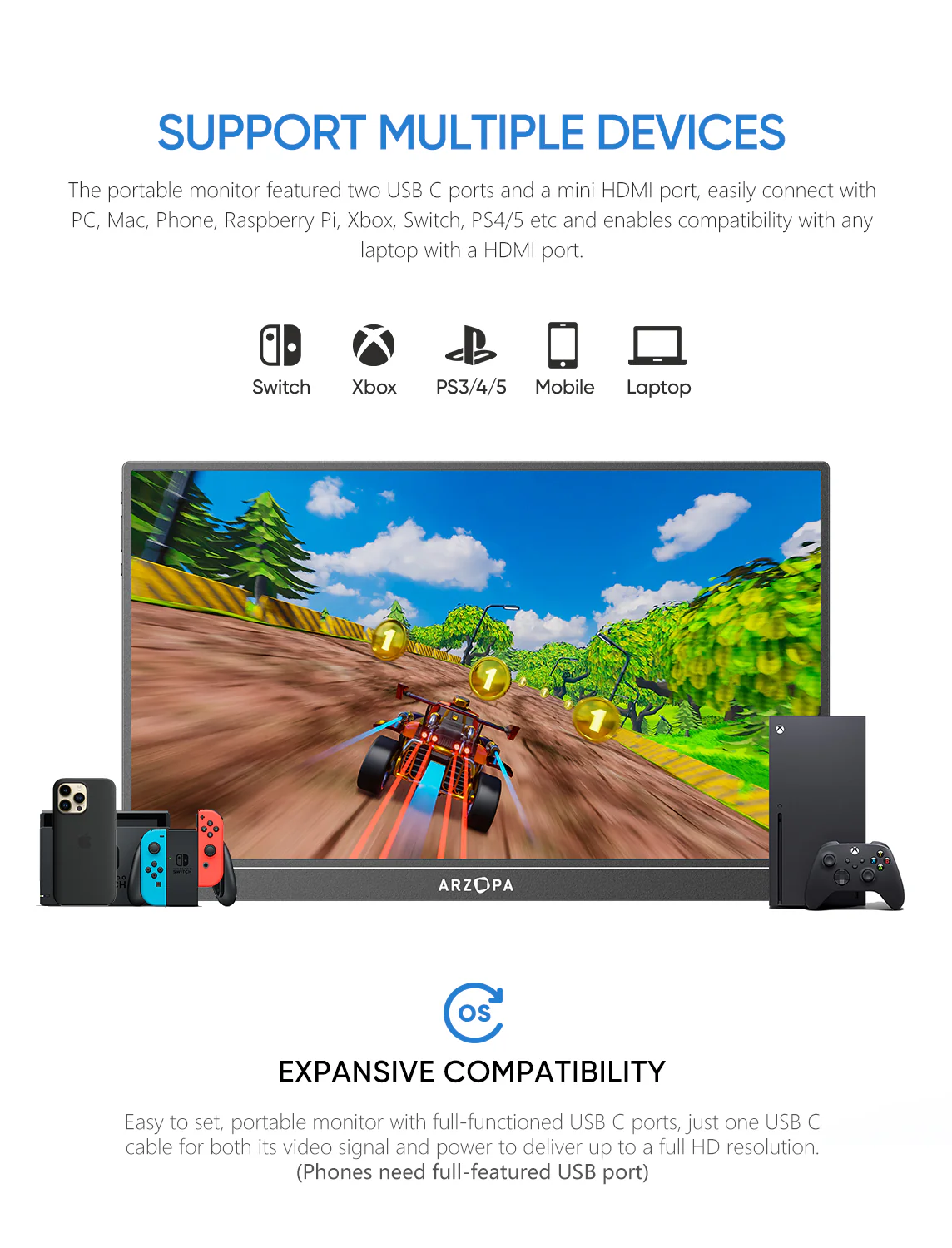
  • More: To be updated. Compatible with Switch / XBOX / PS3 / PS4 / PS5 etc.

Warm Tips

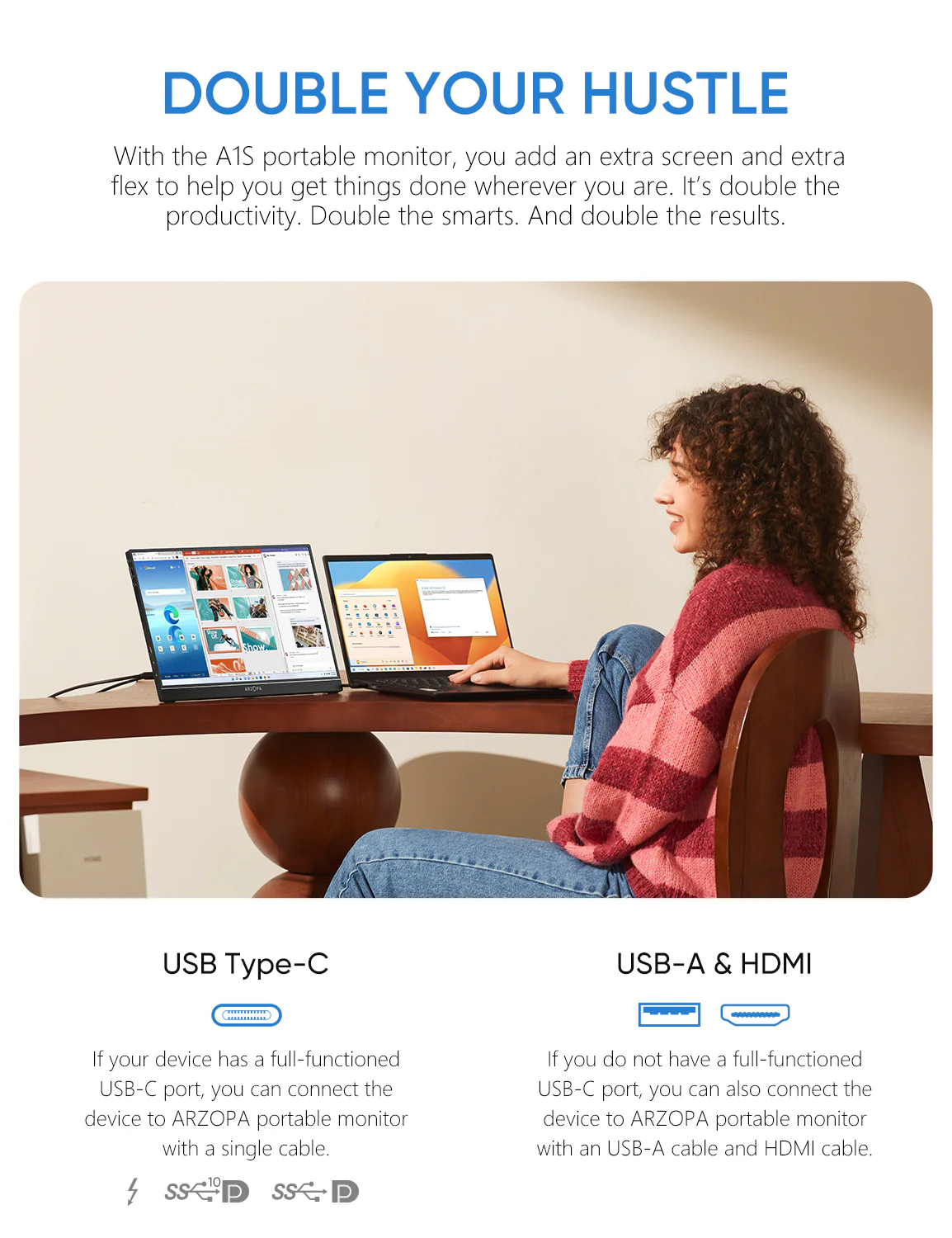
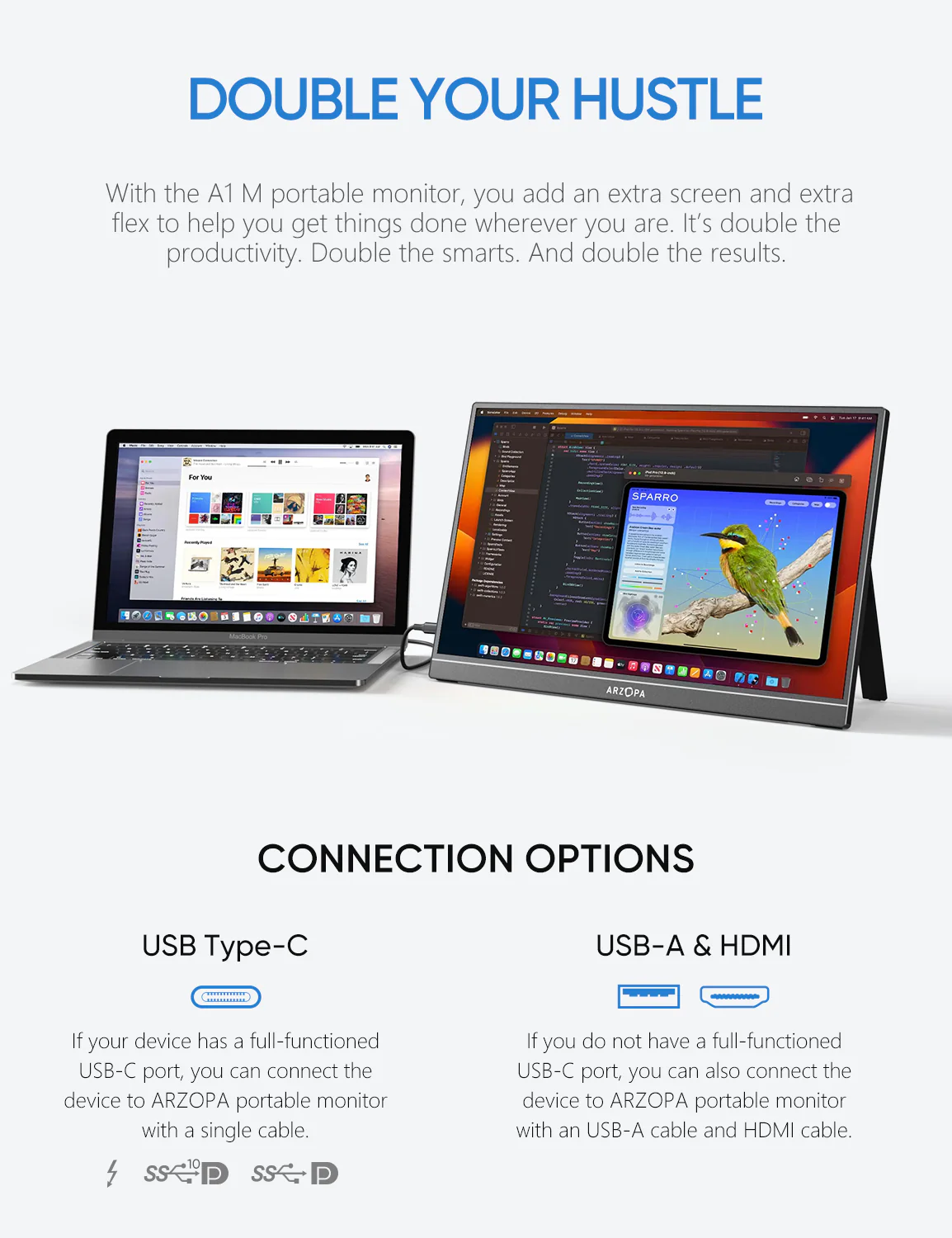
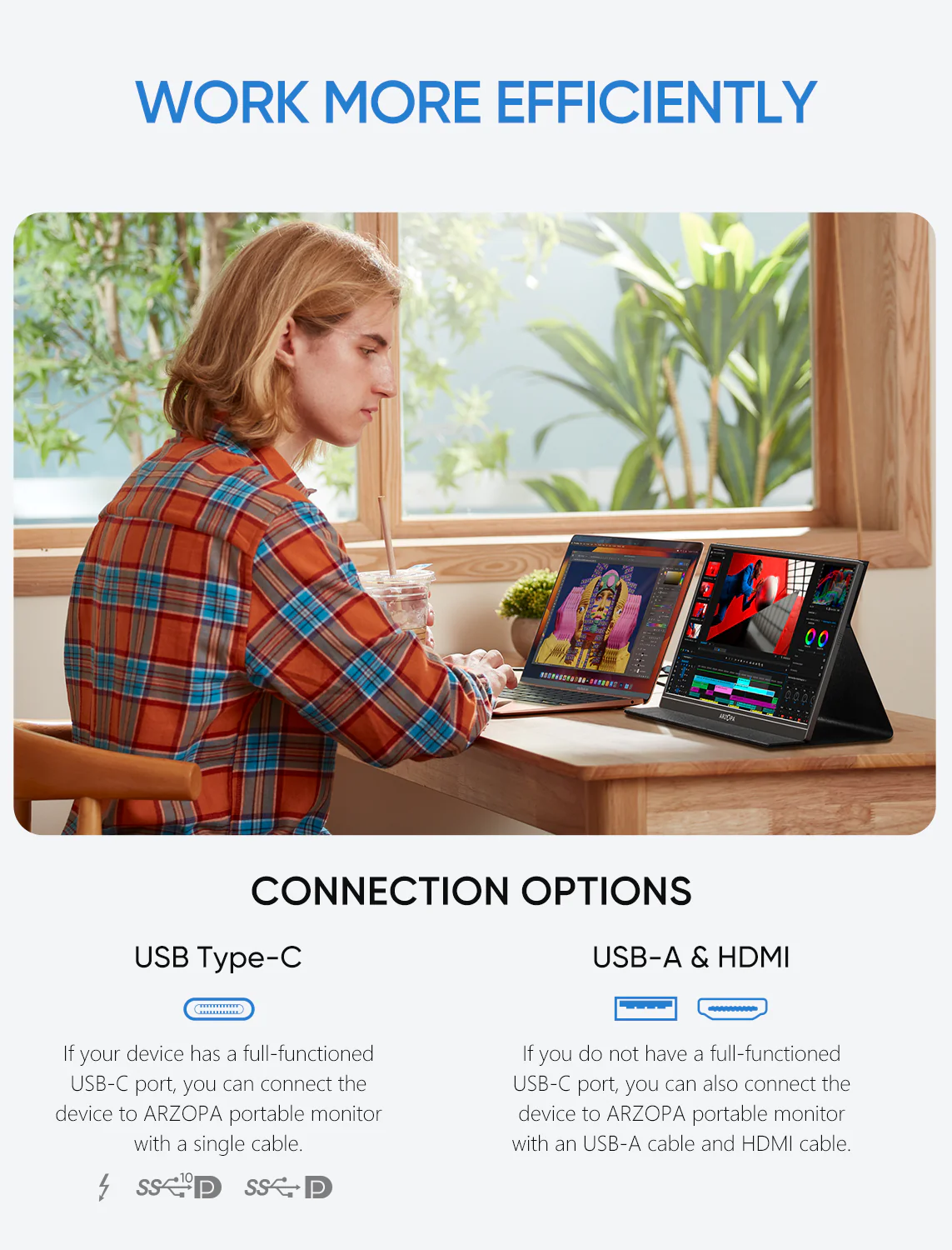
  1. When you connect with your smartphone, which must has full functioned type-c port, only need to use USB-C to USB-C cable to connect. (iPhone needs lighting to HDMI adapter).
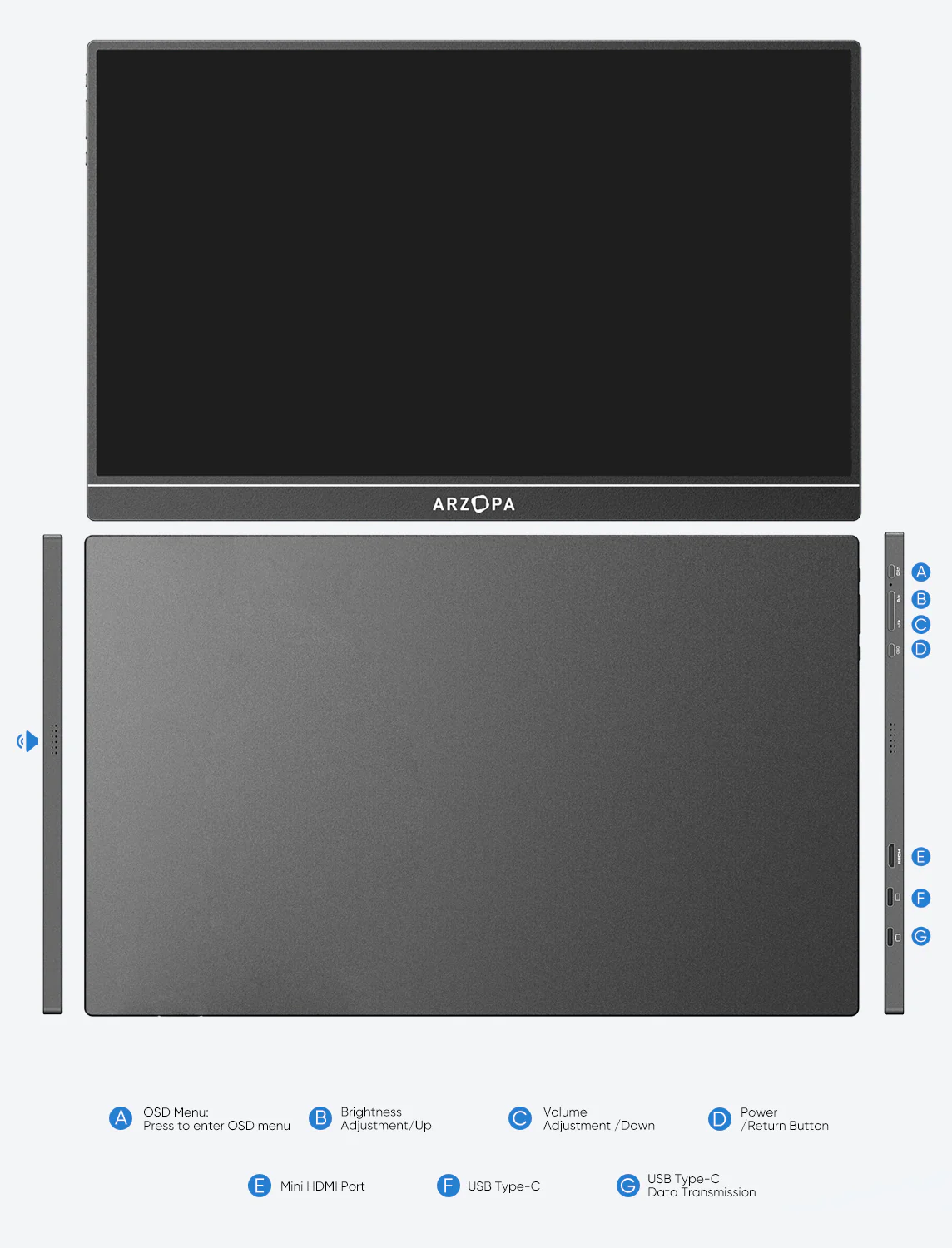
  2. When you connect laptop with full functioned type-c port, only need to use USB-C to USB-C cable to connect. (Left usb-c port of monitor for data transfer and power supply, right c port only for power supply).
  3. When you connect laptop/pc with HDMI port, you need use Mini HDMI to HDMI cable connect monitor and your device for data transmission, use USB-A to USB-C cable connection for data Transmission. USB-A side connect adapter or power supply device, USB-C side connect your portable monitor.
  4. When your laptop /pc, smartphone is 720P, the monitor images will show 720P resolution. You need to adjust your own device to 1080P resolution, the portable monitor will show 1080P vivid images.
  5. Press “Windows + i” to enter into setting on pc/laptop, adjust display direction (landscape/portrait), resolutions. Press “Windows + P” to enter into display mode (duplicate, extend, second screen only) to choose.
  6. The usb c portable monitor does not built-in battery, just plug and play.

What's in the box

  • 1 x ARZOPA Portable Monitor
  • 1 x USB-C to USB-C Cable
  • 1 x Mini HDMI to HDMI Cable
  • 1 x USB-C to USB-A Cable
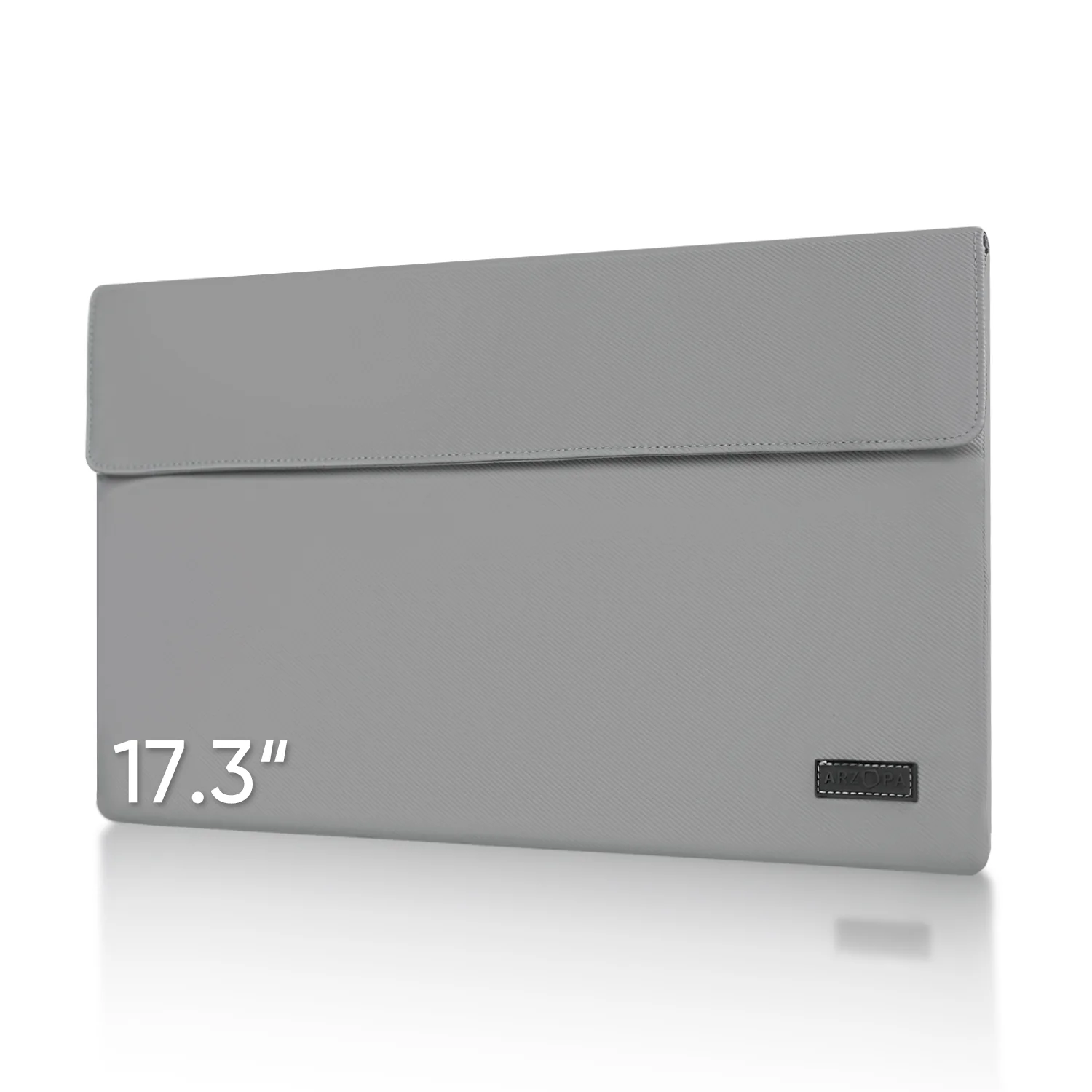
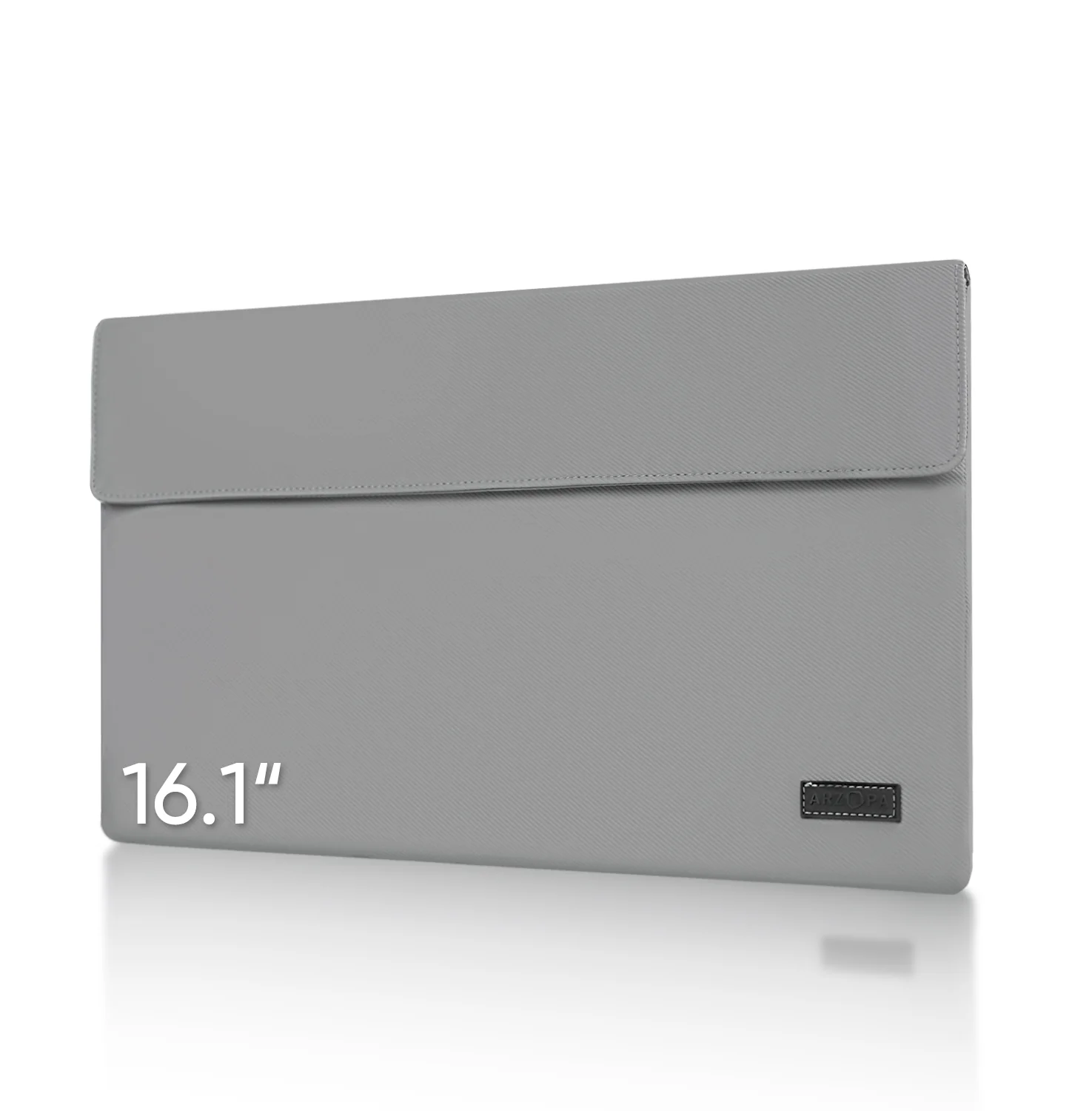
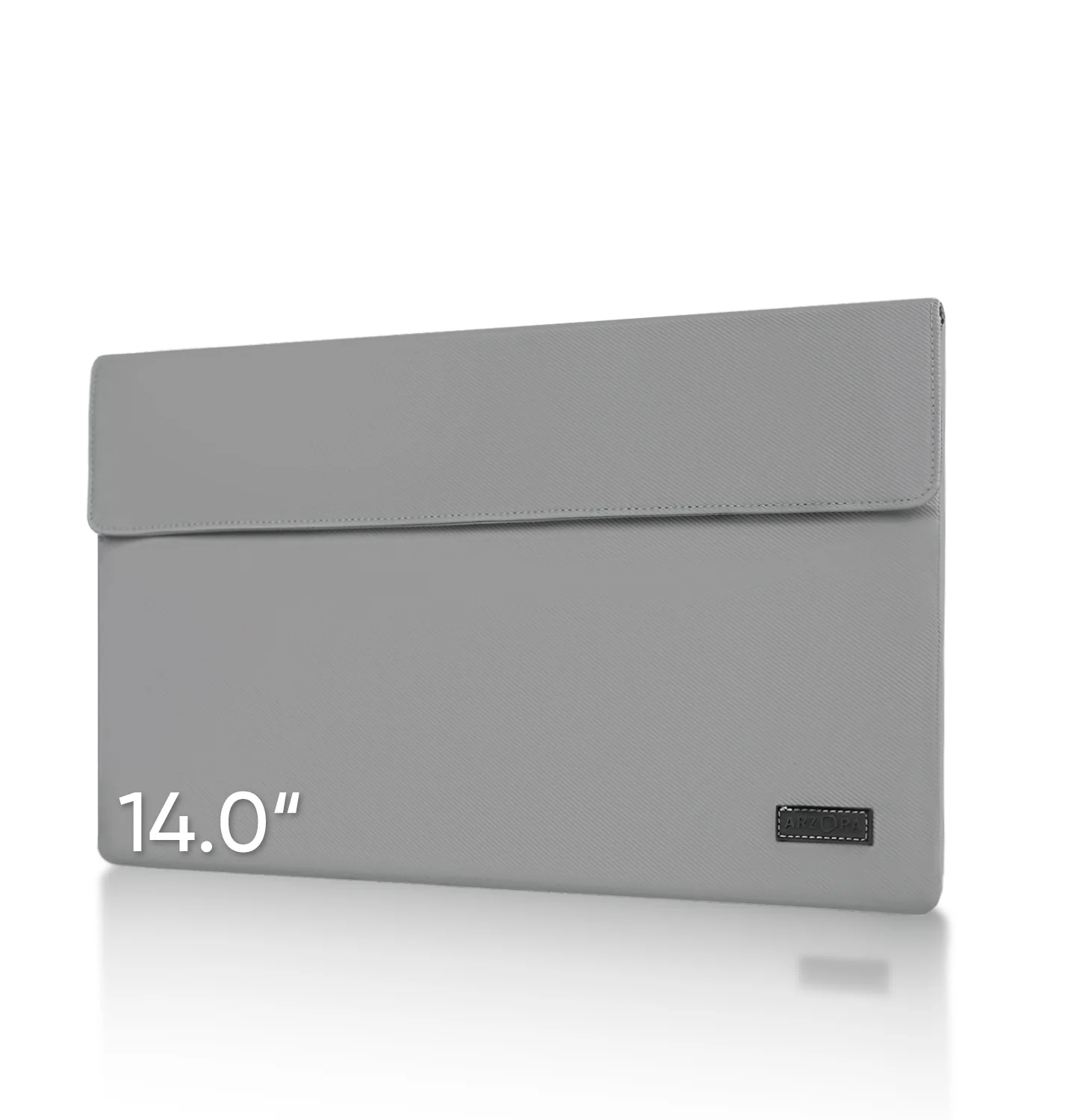
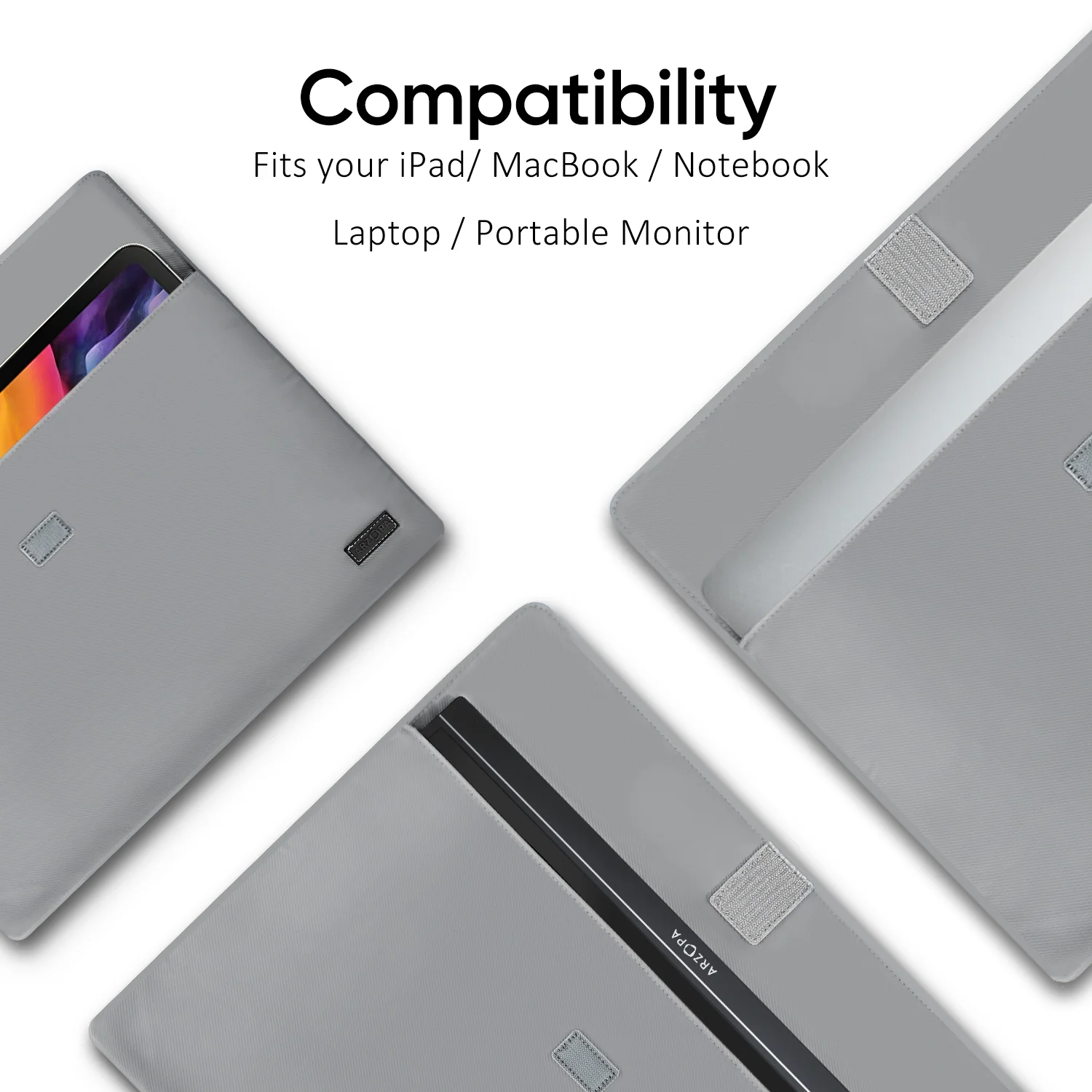
  • 1 x Smart Cover
    Arzopa S1 Table Portable Laptop Monitor | 15.6'' FHD 1080P - Image 2

    Details & Craftsmanship

    Every detail has been carefully considered to bring you the perfect product.
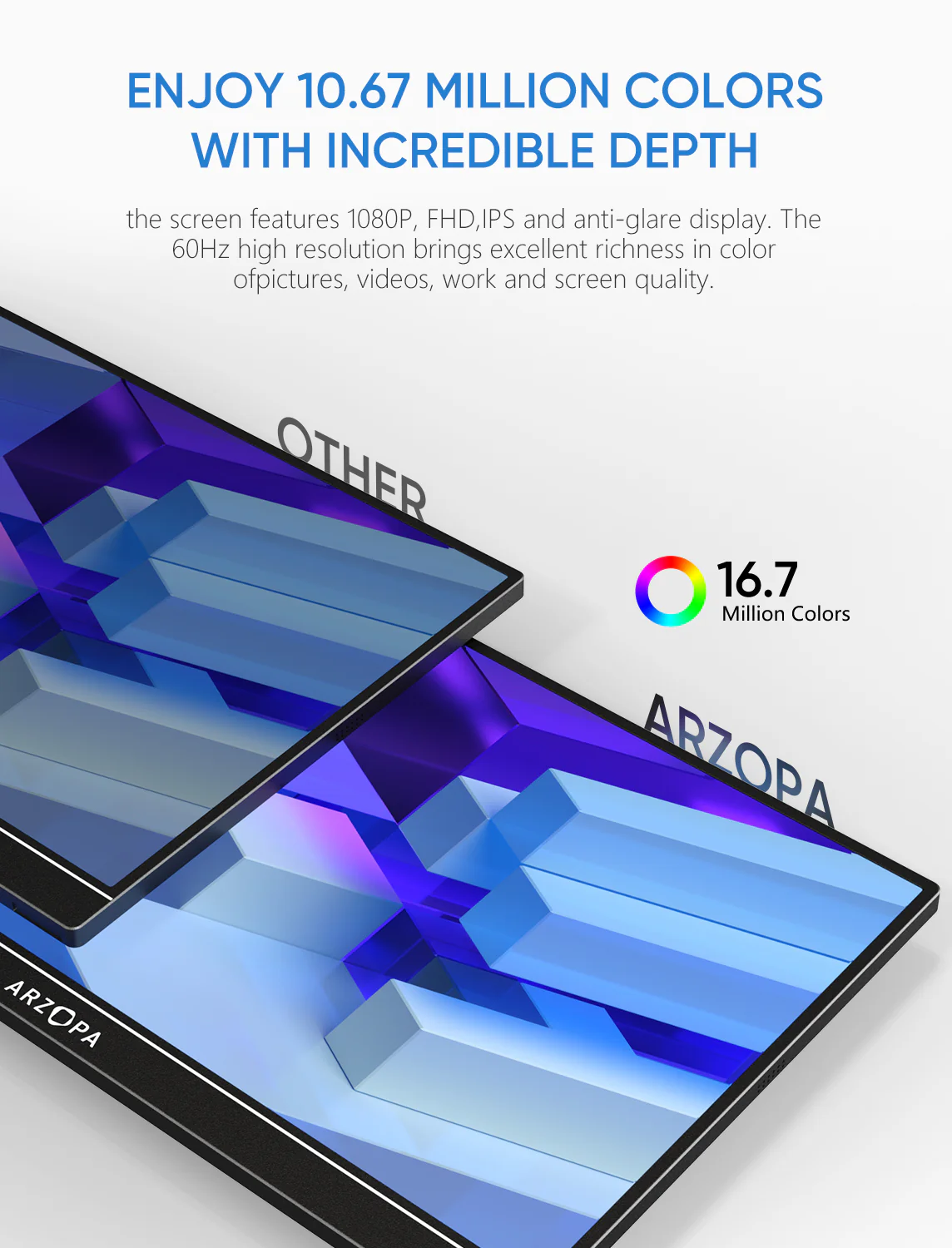
    Arzopa S1 Table Portable Laptop Monitor | 15.6'' FHD 1080P - Image 3

    Details & Craftsmanship

    Every detail has been carefully considered to bring you the perfect product.
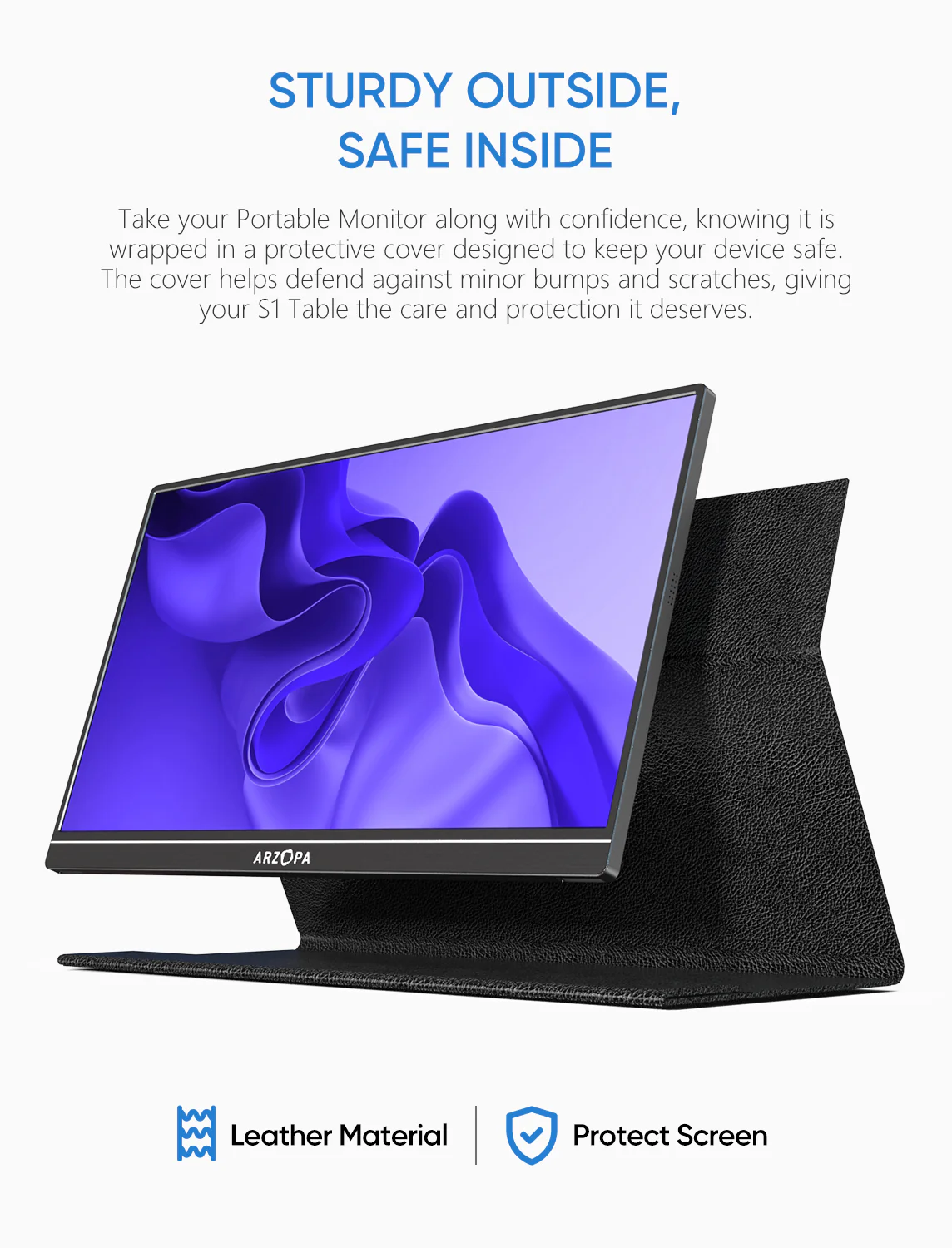
    Arzopa S1 Table Portable Laptop Monitor | 15.6'' FHD 1080P - Image 4

    Details & Craftsmanship

    Every detail has been carefully considered to bring you the perfect product.
    Arzopa S1 Table Portable Laptop Monitor | 15.6'' FHD 1080P - Image 5

    Details & Craftsmanship

    Every detail has been carefully considered to bring you the perfect product.
    Arzopa S1 Table Portable Laptop Monitor | 15.6'' FHD 1080P - Image 6

    Details & Craftsmanship

    Every detail has been carefully considered to bring you the perfect product.
    Arzopa S1 Table Portable Laptop Monitor | 15.6'' FHD 1080P - Image 7

    Details & Craftsmanship

    Every detail has been carefully considered to bring you the perfect product.
    Arzopa S1 Table Portable Laptop Monitor | 15.6'' FHD 1080P - Image 8

    Details & Craftsmanship

    Every detail has been carefully considered to bring you the perfect product.
    Description

    Compatible Laptop Models

    • Apple: MacBook 12 /2015 /2016 /2017 Pro MackBook Air 2018 / iPad Pro 2018-2020
    • HUAWEI: MateBook D / MateBook E / MateBook X / MateBook X Pro / MateBook 13 /MagicBook
    • Microsoft: SurfaceGo / Surface Book 2
    • ASUS: ZenBook 3 / ZenBook 3 Pro / ZenBook X / U4100 / U4100UN / AU5100UQ
    • MI: Mi Air 12.5 / Air 13.3 / Pro 15.6 / Pro 15.6 GTX
    • Lenovo: Y7000 / Y7000P / Y900K / YOGA / ThinkPad X1 / Carbon / MIIX 720 /Youga
    • HP: Elitebook 1050 G1 /Elitebook Folio G1 /ENVY13 / Spectre13
    • DELL: G3 / G5 / G7 / Inspiron 5000 / Inspiron 7000 / XPS13 / XPS15 / Latitude 5285
    • Google: Pixelbook Pen,Chromebook Pixels
    • Razer: Blade Stealth / Blade Pro
    • Nvidia: Geforce RTX 2070 / Geforce RTX 2080 / Geforce RTX 2080Ti
    • More: To be updated. Compatible with most PCs or Laptops.

    Compatible Phone Models

    • Apple: It supports connection with iPhone, but a Lighting to HDMI adapter is needed.
    • HUAWEI: P20 / P20 RS / P20 Pro / P30 / P30 Pro / Mate 10 / 10 Pro / 20 / 20 X / 20 Pro / 30 / 30 Pro / RS /V20 /Note 10
    • Samsung: S8 / S8+ / S9 / S9+ / S10 / S10+ / S20 / Note 8 / Note 9 / Note 10 / Note 10+
    • Razer: Razer Phone / Razer Phone 2
    • Sony: Xperia 1 / Xperia 5 / Xperia XZ3. NOKIA: NOKIA 9 Pure / View. ASUS: ROG / ROG2. OPPO: R17 Pro. LG: G5 HTC: U Ultra
    • More: To be updated. Compatible with Switch / XBOX / PS3 / PS4 / PS5 etc.

    Warm Tips

    1. When you connect with your smartphone, which must has full functioned type-c port, only need to use USB-C to USB-C cable to connect. (iPhone needs lighting to HDMI adapter).
    2. When you connect laptop with full functioned type-c port, only need to use USB-C to USB-C cable to connect. (Left usb-c port of monitor for data transfer and power supply, right c port only for power supply).
    3. When you connect laptop/pc with HDMI port, you need use Mini HDMI to HDMI cable connect monitor and your device for data transmission, use USB-A to USB-C cable connection for data Transmission. USB-A side connect adapter or power supply device, USB-C side connect your portable monitor.
    4. When your laptop /pc, smartphone is 720P, the monitor images will show 720P resolution. You need to adjust your own device to 1080P resolution, the portable monitor will show 1080P vivid images.
    5. Press “Windows + i” to enter into setting on pc/laptop, adjust display direction (landscape/portrait), resolutions. Press “Windows + P” to enter into display mode (duplicate, extend, second screen only) to choose.
    6. The usb c portable monitor does not built-in battery, just plug and play.

    What's in the box

    • 1 x ARZOPA Portable Monitor
    • 1 x USB-C to USB-C Cable
    • 1 x Mini HDMI to HDMI Cable
    • 1 x USB-C to USB-A Cable
    • 1 x Smart Cover

      You may also like

      -70%NEW
      Thumbnail 1Thumbnail 2

      Arzopa A1S 14" FHD Ultra-Light Slim Portable Monitor

      $59.99

      $18.00

      -70%NEW
      Thumbnail 1Thumbnail 2

      Arzopa A1M 17.3" Large 1080p Portable Monitor

      $113.99

      $34.20

      -70%NEW
      Thumbnail 1Thumbnail 2

      Arzopa 17.3" Portable Monitor Sleeve Bag

      $21.99

      $6.60

      -70%NEW
      Thumbnail 1Thumbnail 2

      Arzopa 16.1" Portable Monitor Sleeve Bag

      $20.99

      $6.30

      -70%NEW
      Thumbnail 1Thumbnail 2

      Arzopa E1 15.6" Portable Dual-Screen Monitor

      $199.99

      $60.00

      -70%NEW
      Thumbnail 1Thumbnail 2

      Arzopa 14" Portable Monitor Sleeve Bag

      $22.99

      $6.90

      -70%NEW
      Thumbnail 1Thumbnail 2

      Arzopa A3C Pro 13.3" FHD OLED Portable Monitor

      $149.99

      $45.00